New Adult Intake
As a PO, I want to intake a new adult in
order to create a new client and see that client's info on a summary page
Assumptions:
- A crime has been commited by the client
From Simple Search Information:
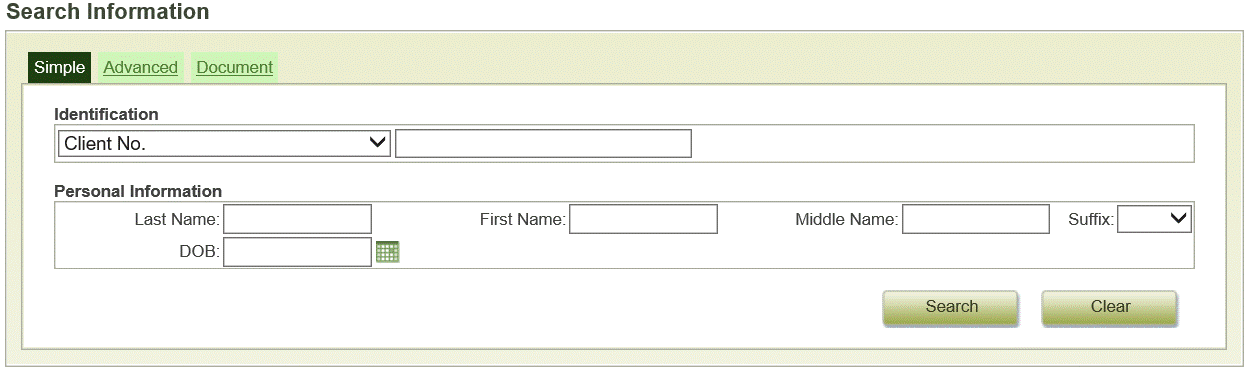
Enter in "Last Name" and "First Name" of client and Click Search
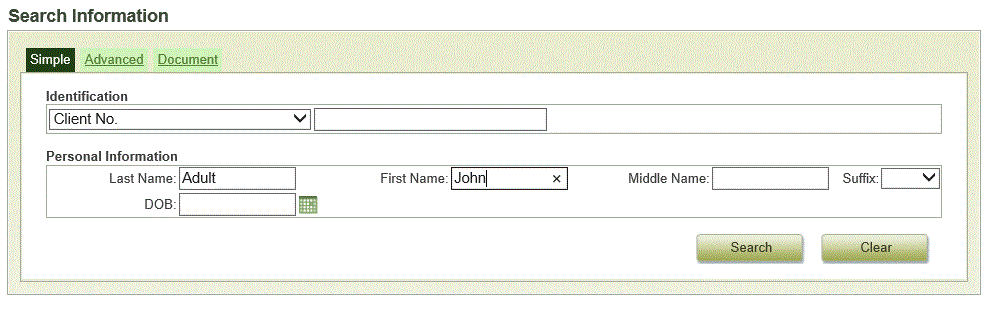
Select Create Adult Intake

Intake Information Screen
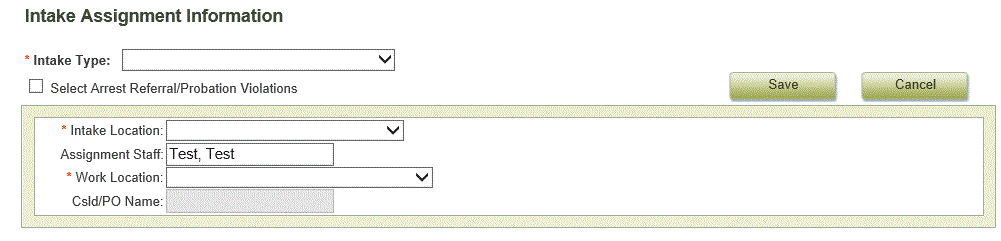
Select appropriate "Intake Type", "Intake Location", and "Work Location"
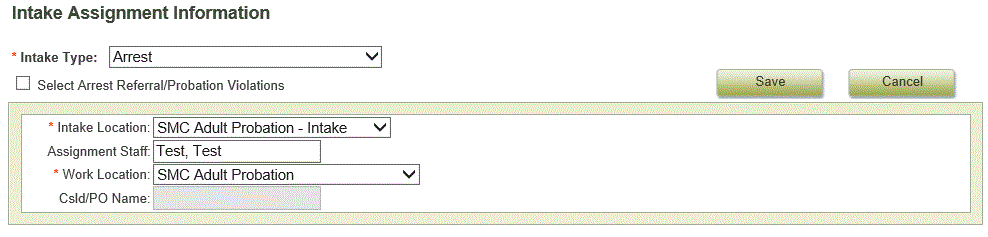

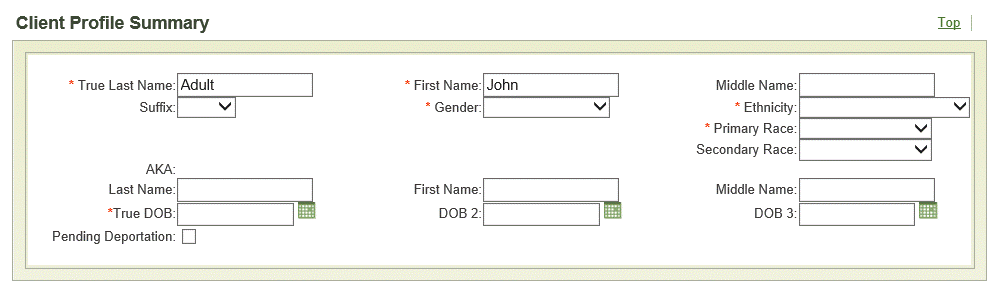
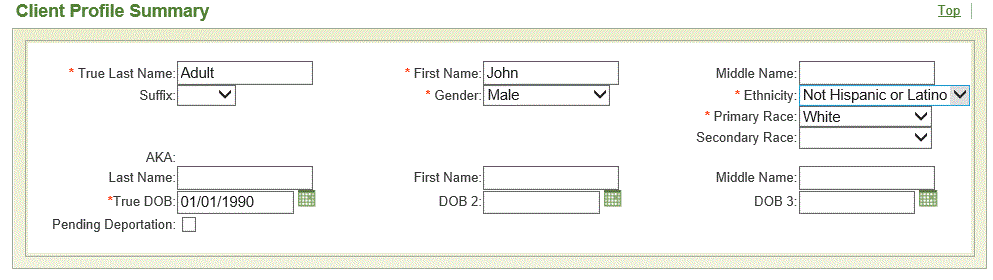
Select at least the required fields
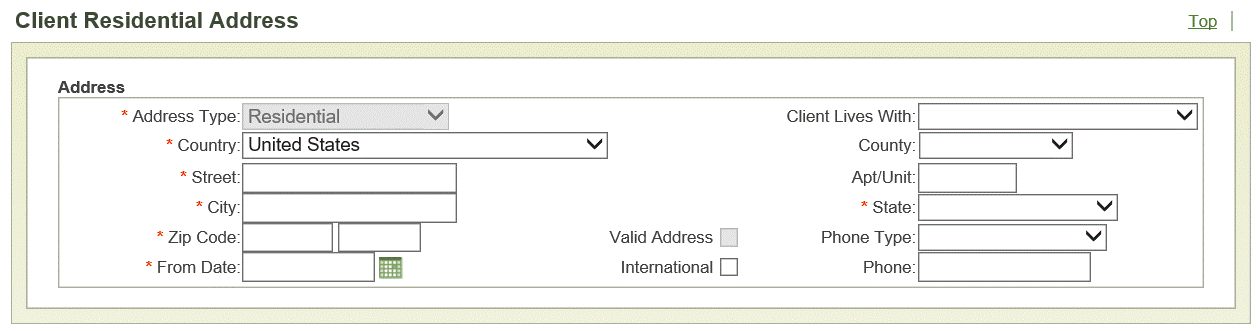
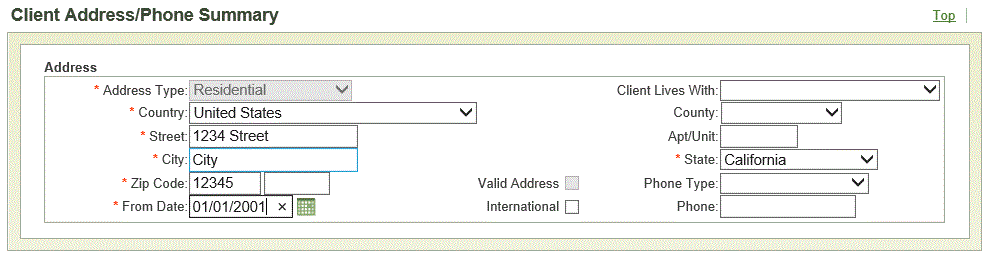
Fill out or select at least the required fields
(If "From Date" is unknown, any other relevant date can be entered; e.g. Police Report Date, etc.)
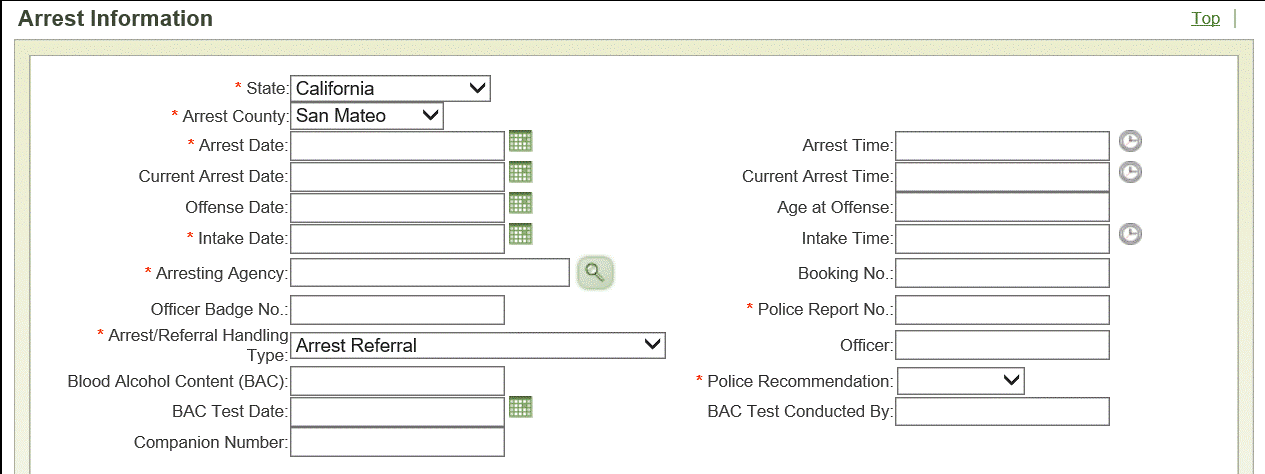
Fill out or select at least each required section
("Arresting Agency": Click the Finder Icon and choose from the pop-up box by using the radio
button and clicking Select)

Scroll to the top of the page and click Save

You have now successfully performed an intake for a new adult